
End of BI-IP – What‘s next? A viewpoint on the SAP Planning Portfolio – 1
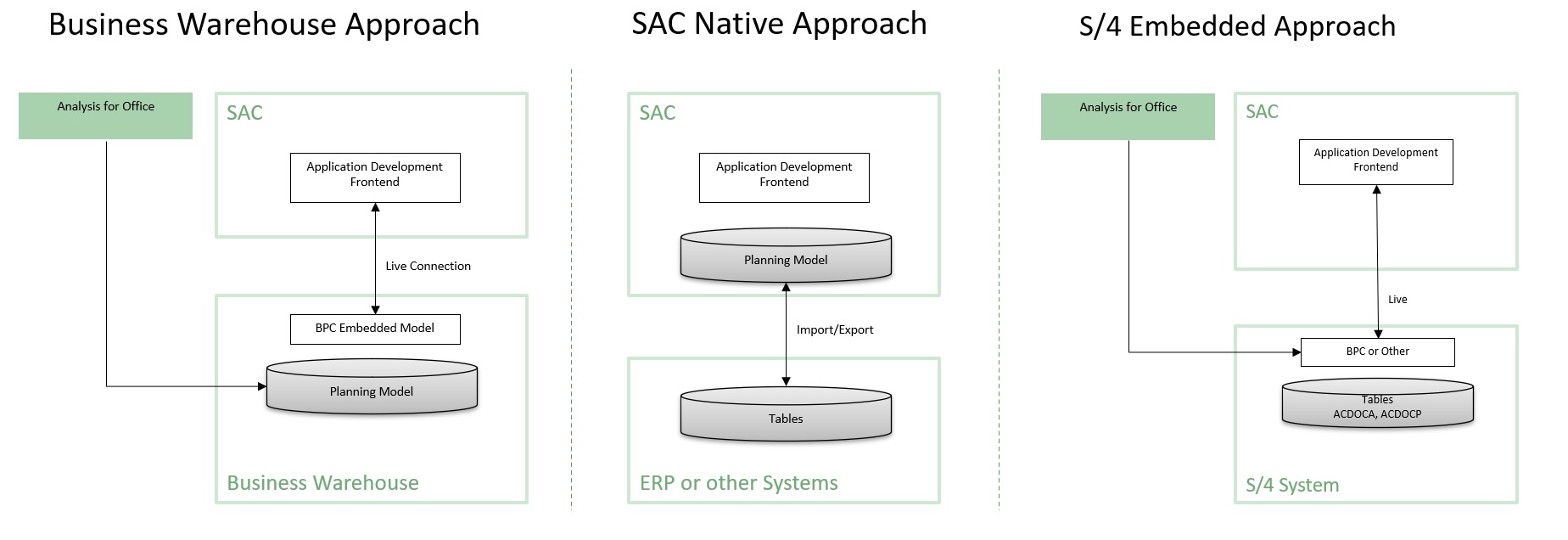
Introduction The SAP Portfolio for planning is changing. The system landscape for reporting and planning is enhanced by SAP Analytics Cloud (SAC). […]
Introduction The SAP Portfolio for planning is changing. The system landscape for reporting and planning is enhanced by SAP Analytics Cloud (SAC). […]
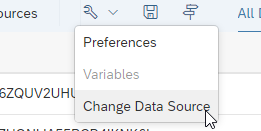
SAP Analytics Cloud is a powerful frontend and offers multiple options to share stories with consumers.
When consumption is growing it is also very important that new developments are deployed smoothly for end users.
Especially in a landscape with one tenant, acting as development system, quality system and productive system this could be a challenge.
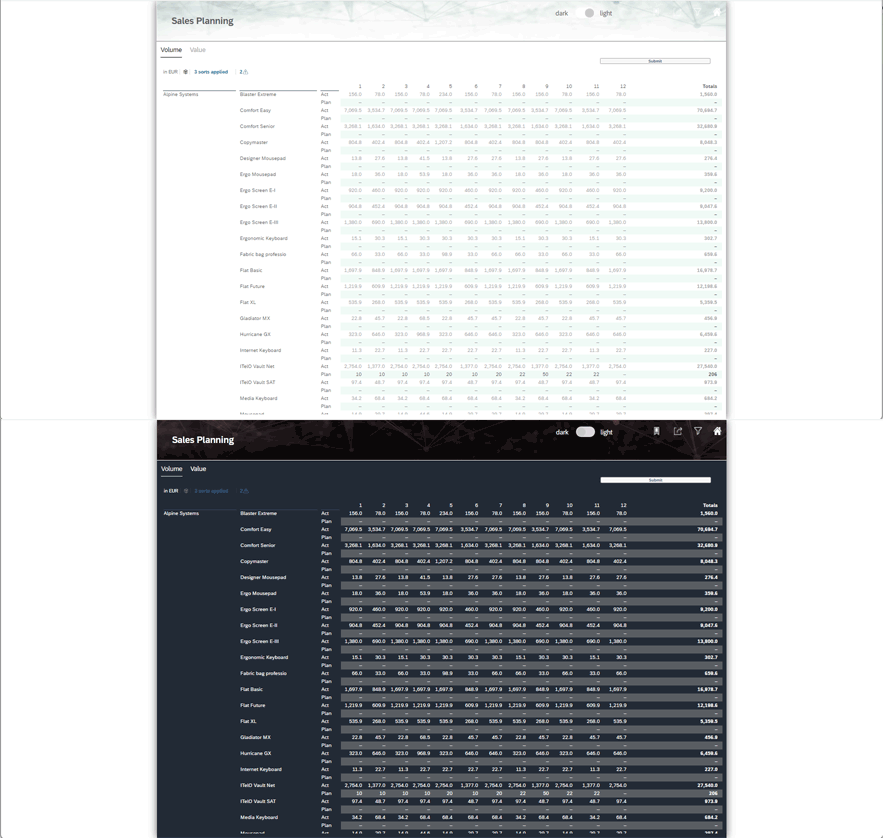
becomes a common feature, that would also be a ‘nice to have’ in SAP Analytics Cloud Applications. This blog describes how to switch themes in an SAP Analytics Cloud Application and what you should be aware of while developing.
SAC Analytic Application – Scripting for Beginners : Part 4 – How-to use results from charts In the first part of this […]
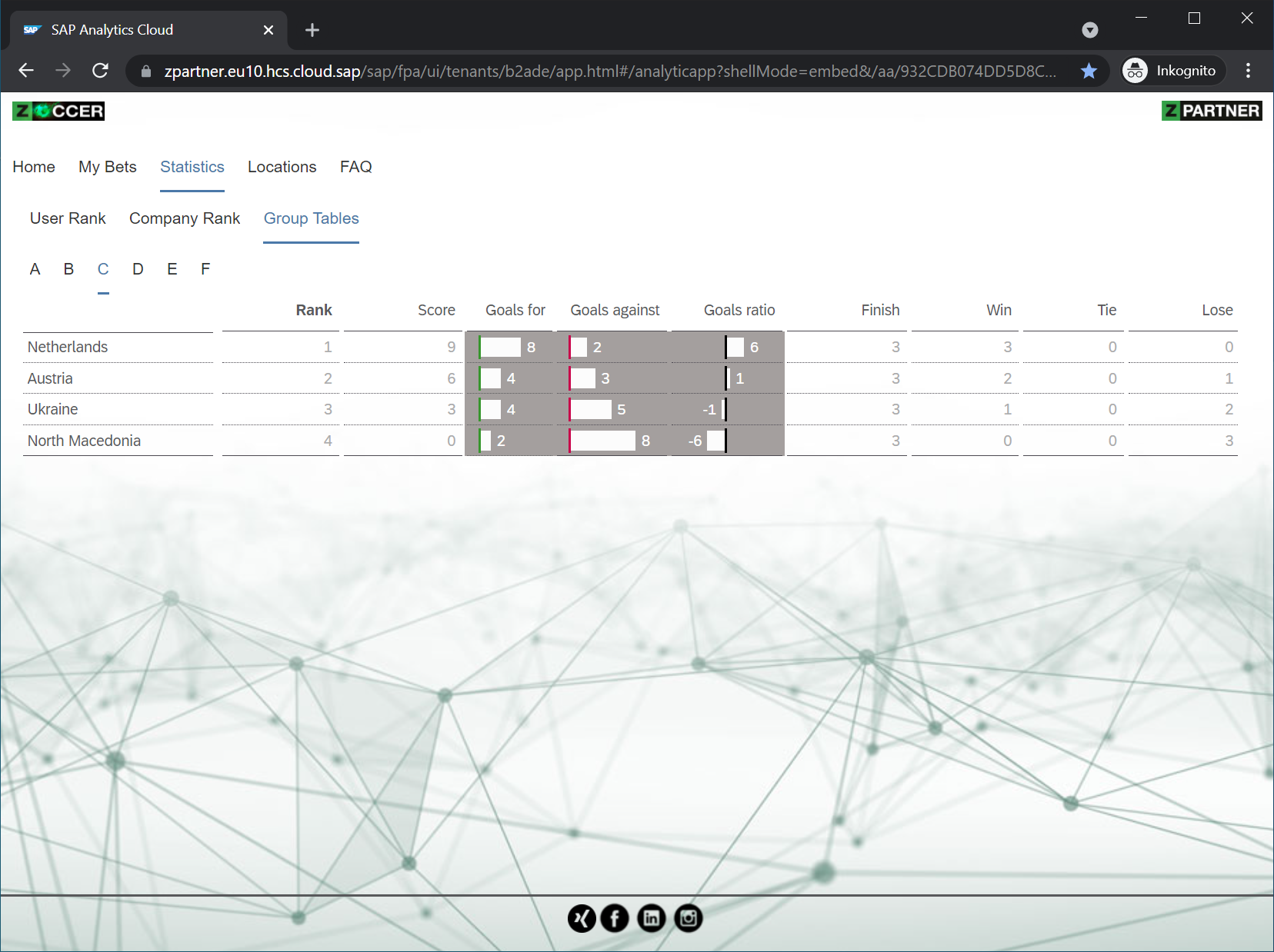
Die erste Woche der ⚽ EM 2021 ist vorüber und die Vorrunden gehen zu Ende. Wir konnten spannende, überraschende und leider auch […]
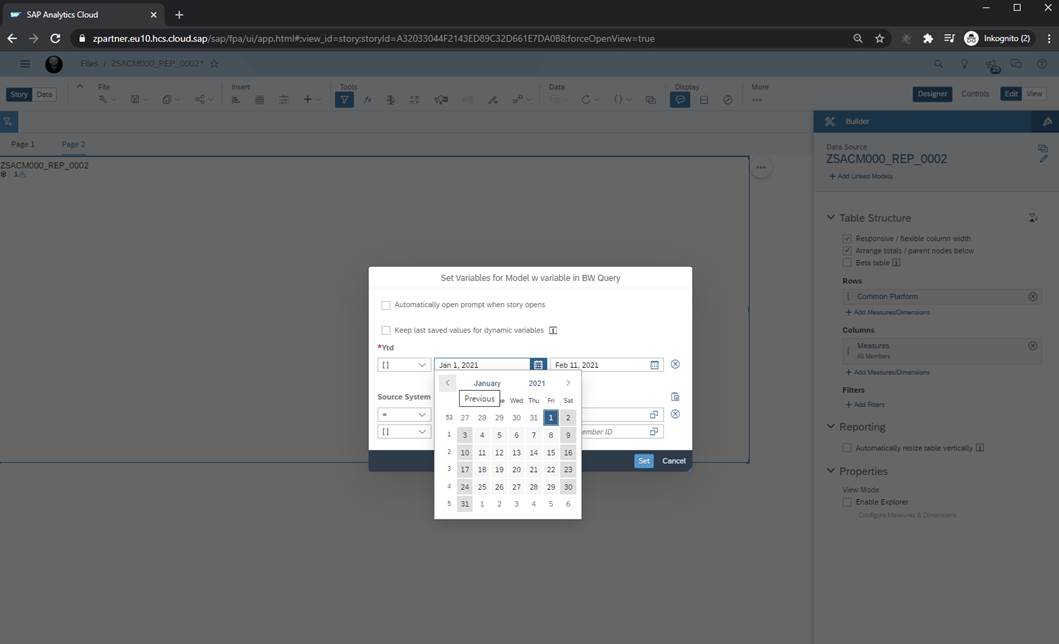
In this blog I want to focus on the usage of the BAdI for “Refining Input Help in Variable Screen” in context of SAP Analytics Cloud to enable special context-based filtering. In our example I would like to restrict the time and another dimension to values I choose randomly.
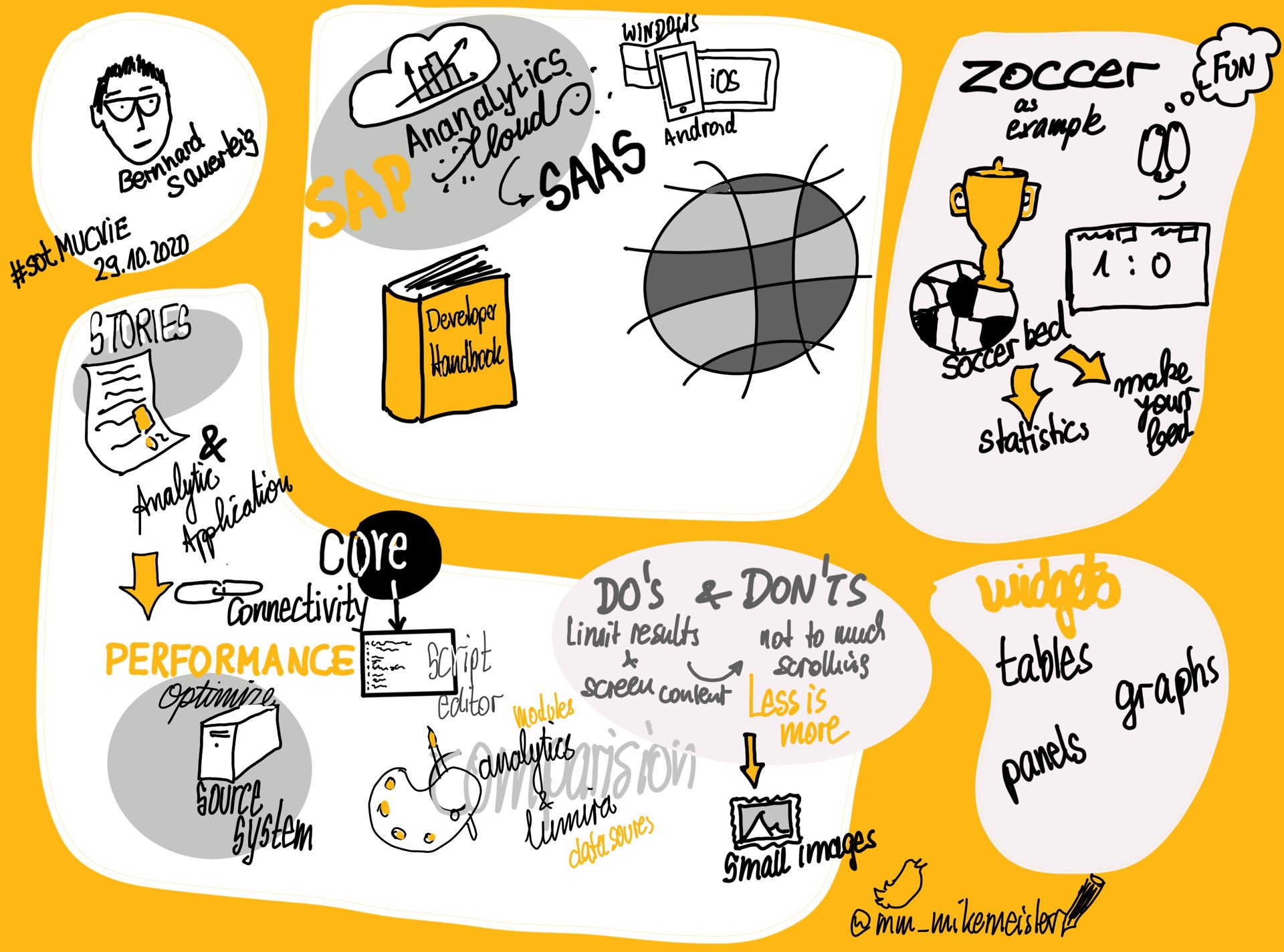
ZPARTNER’s Bernhard Sauerteig gave a presentation on SAP Analytics Cloud – Application Design at the SAP Online Track 2020. This session gives […]
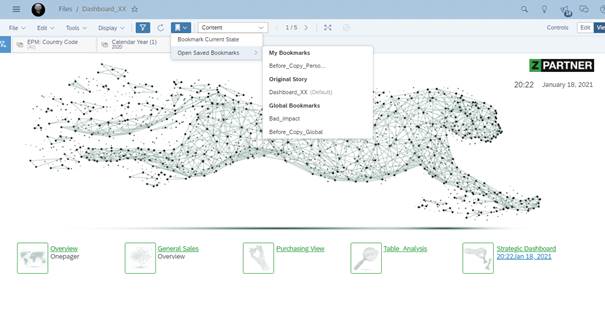
When working with a single SAP Analytics Cloud tenant version should be handled carefully. Especially handling of shared URLs including storyIds could lead to unintentionally negative impacts for end users. Keeping the URL/storyid and be able to develop without pressure is in my opinion very helpful for developers and consumers of a story.
Next to most current and correct data, performance is another very important factor in analytics. In the blog „How to trace widgets […]

Auch in diesem Jahr waren #ZPARTNER bei der – diesmal virtuellen – #SAPTechEd dabei um sich über die Neuerungen und neuesten Entwicklungen […]